The Cost of a Hello: Managing Enterprise AI Use
Written by Evren BalPublished · 6 min read
I am not writing this as someone who has managed AI use across an organisation with thousands of employees. The company where I work is closer to the small-team example below. I have, however, heard direct observations from friends who work in large organisations about how AI use and cost are handled at that scale. This distinction between two viewpoints shapes the article.
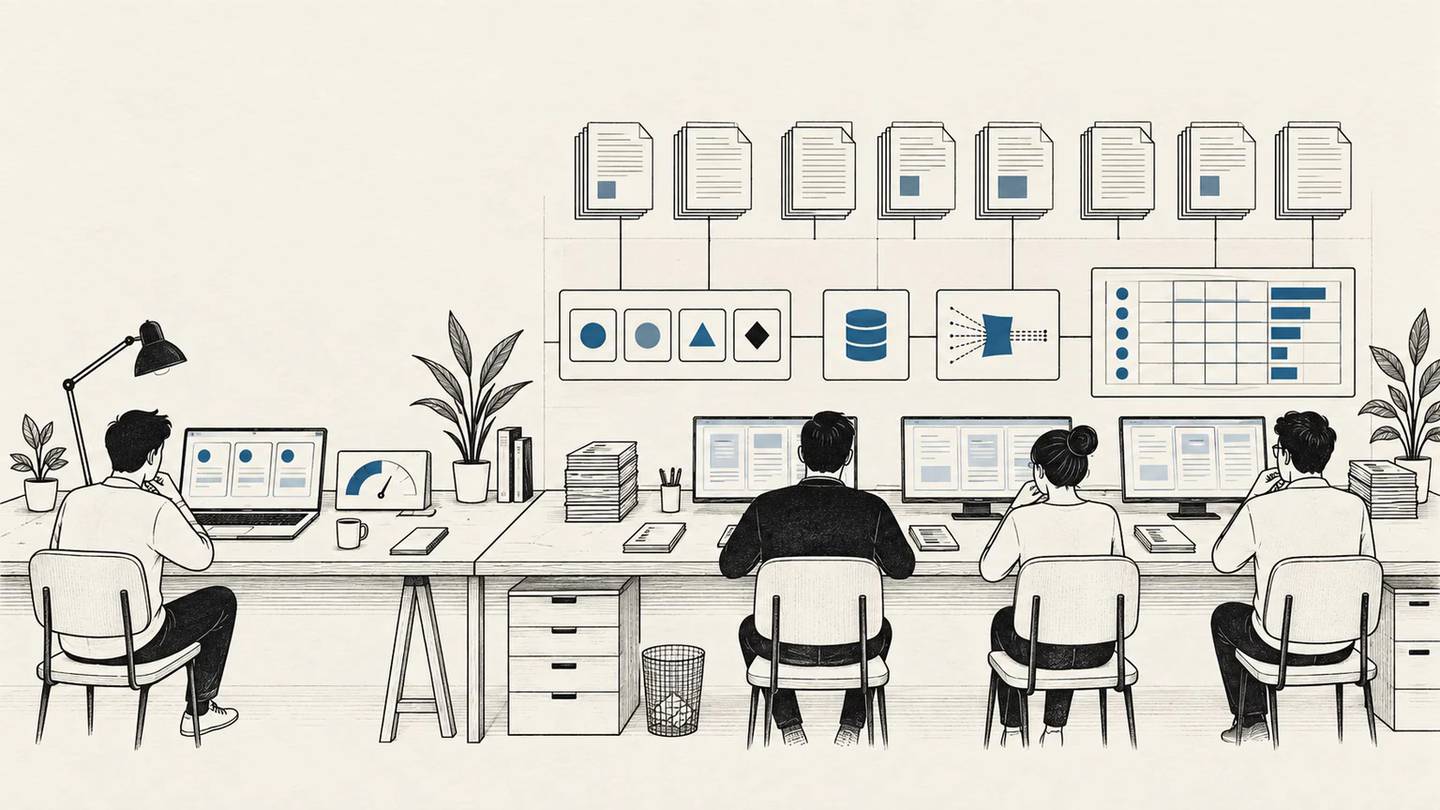
Tracking the cost of AI tools used by two or three developers and eight or ten office employees is different from managing AI use for thousands of people. In the first case, it is usually possible to see a handful of subscriptions, usage limits, and the work being produced. In the second, the same interface can conceal many workflows, different data rules, and a growing consumption bill.
That difference helps explain why large companies sometimes ask users to cut even individual words from their prompts. A habit that barely matters on a personal subscription can become a cost that needs active management when it is multiplied across a shared budget.
A July 2026 report from 404 Media describes large companies restricting AI use as costs rose, based on internal messages and documents. Directing employees to less capable models was one of the reported measures. The report covers practices at particular companies. The broader point worth examining is how spending that seems manageable in a small team turns into a different management problem as use scales.
Scale changes the way people use AI, not only the number of users
In a small team, where most employees use AI through a chat interface and only a few use agents, it is relatively easy to follow spending. You may not know every prompt or working method, but you can normally see who has access to which tool and the monthly cost.
That does not mean a small team cannot generate a large bill. Intensive agent use by a few people can also be expensive. But with a limited number of users, it is easier to discuss why consumption increased and to change how the work is done.
At enterprise scale, other decisions enter the picture. The company needs to decide which data can go to which provider, who can use which models, and how usage will be recorded. Security, privacy, and regulatory obligations can also limit the option of moving to a cheaper service. Particular tasks may call for particular providers, or for open-weight models that can run in the company’s own environment.
Billing is not uniform either. Per-user fees, usage included in a plan, and consumption-based overage charges may all be part of the same enterprise arrangement. When use is priced in tokens, the text a model reads and generates is reflected in the bill. Counting accounts alone is therefore not enough.
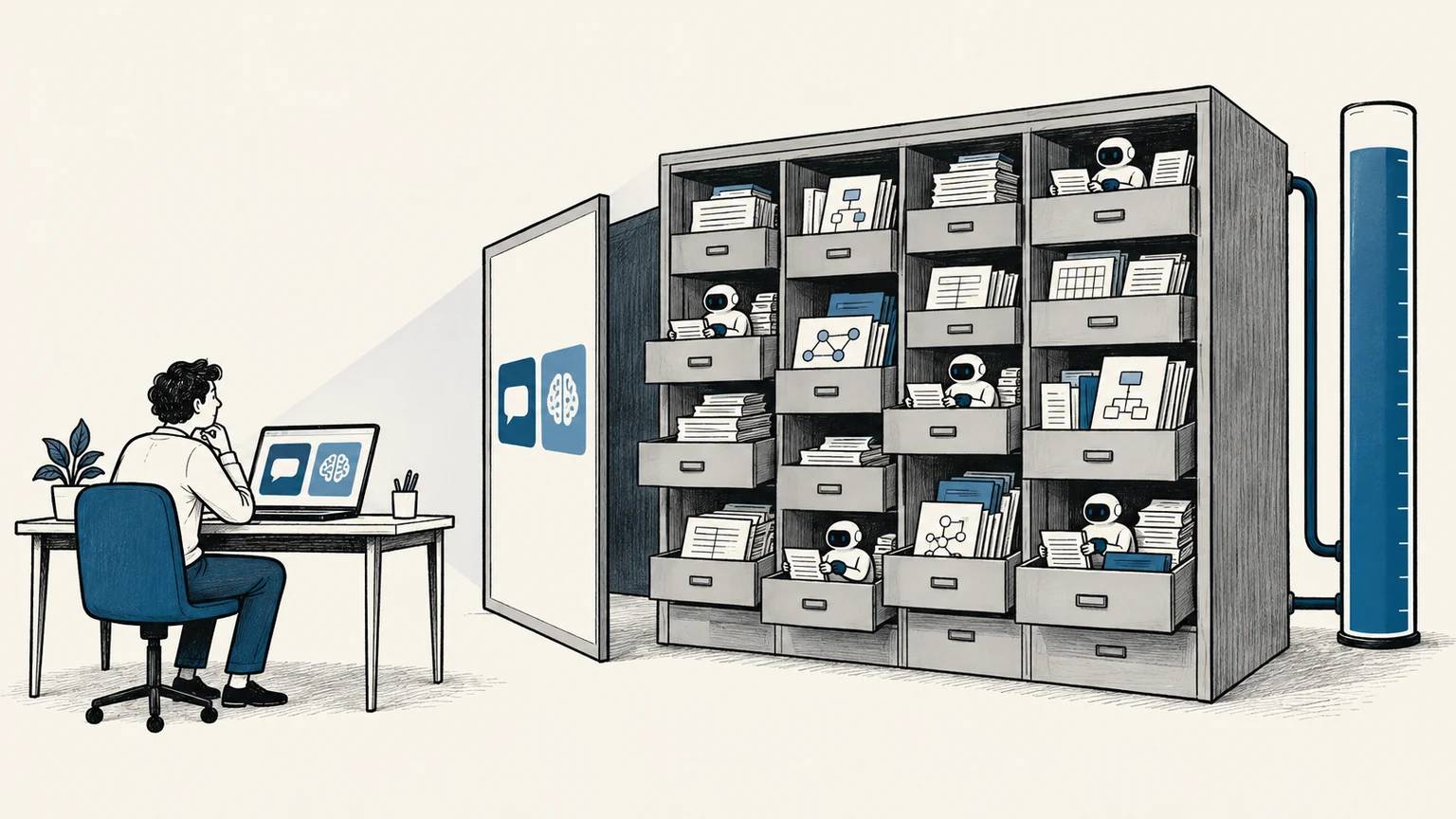
Agents change that calculation further. A user may assign one task, but the agent may inspect documents and make multiple model calls to complete it. One request on the screen may not be one operation in the background.
What sits behind the instruction not to say hello
Friends who work at some large banks and holdings in Turkey have told me about warnings not to greet or thank an AI system. These are not official policies; they are examples shared in conversations with friends.
I can understand the cost concern behind such an instruction. Users need to be aware that consumption has a cost. Repeating the same request unnecessarily, generating long answers when they are not needed, or allowing an agent to continue unproductive attempts can all increase spending.
But the actual pattern of use matters if a company wants to find meaningful savings. A brief thank-you message and a long document reread at every stage of a process are not necessarily costs of the same order. Telling employees only to write less does not reveal those repetitions in the system behind them.
A separate 404 Media report says that, in an Accenture internal discussion, non-technical employees—not engineers producing large amounts of code—were identified as driving much of the consumption, including routine work such as turning PDFs into slide decks. That suggests companies should not monitor high usage only through developer tools, although the claim comes from leaked internal material and cannot be generalized across the industry.
System design can reduce the savings expected from users
Companies have ways to reduce this cost. Frequently repeated instructions and documents can be served from a cache, reducing the cost of processing the same material again. Long conversations can be summarised while retaining the information needed for later steps, which reduces the text carried forward. Anthropic discusses both approaches alongside user habits in its Claude Code cost-management guide. Caching does not eliminate the bill, and summarisation still needs to preserve the details the next step requires.
Another option is to route a task to a model that is appropriate for it. A model that is sufficient for a simple classification may not be sufficient for a complex assessment. In my article on the Stripe–OpenRouter deal, I made the same point: model price and the total cost of the work need to be assessed together. If the cheaper model creates more correction work, some of the apparent saving comes out of employee time.
Response length can also be adjusted to the job. A process that needs only a few fields completed may not need pages of explanation. Work that does not require an immediate answer may be suited to a provider’s lower-priced batch-processing service. The trade-off is receiving the result later. Availability and pricing depend on the chosen service.
None of this removes the user from the equation. Employees still need to state what they need clearly, avoid attaching irrelevant files, and recognise when an agent has drifted away from the task. But rather than expecting every employee to account for tokens, it is more reasonable for the system to take on part of those choices in frequently repeated work.

The budget has to be read alongside the work completed
Usage limits may be necessary, especially while consumption is growing quickly. But giving everyone the same limit means treating different work as if it had the same conditions. Someone preparing short texts may not need the same allowance as someone comparing long documents.
That is why the first step I proposed for an AI usage inventory is useful here as well: first learn what people are actually doing. The company can then ask whether high spending comes from completing a large volume of work, unnecessary repetition, or the wrong model choice. It is possible to look at work types, usage volume, and accepted results together without reading every employee conversation.
If I were managing this in a large organisation, I would start with the few workflows that consume the most. I would reduce unnecessary repetition, test which model is sufficient, and assess the budget alongside completed work. I would also explain to users why a behaviour creates cost. Then, when a quota is reached, the decision would not be limited to cutting access. The company would know which work it is pausing and what it costs for that work to wait.
If this article was useful
Linking to it from a relevant page on your website or sharing it on social media genuinely helps it reach more people. Thank you for your support.
Linking and brand guidelines →About this article
- Use of artificial intelligence
- AI-assisted — Evren Bal supplied this article’s central idea, scale assessment, and anecdotes shared by friends. AI assisted with source review and structuring the draft.

A small experiment
Loading personal metrics…