Introduction to PHP Namespaces: A Beginner's Guide to Structuring Your Code
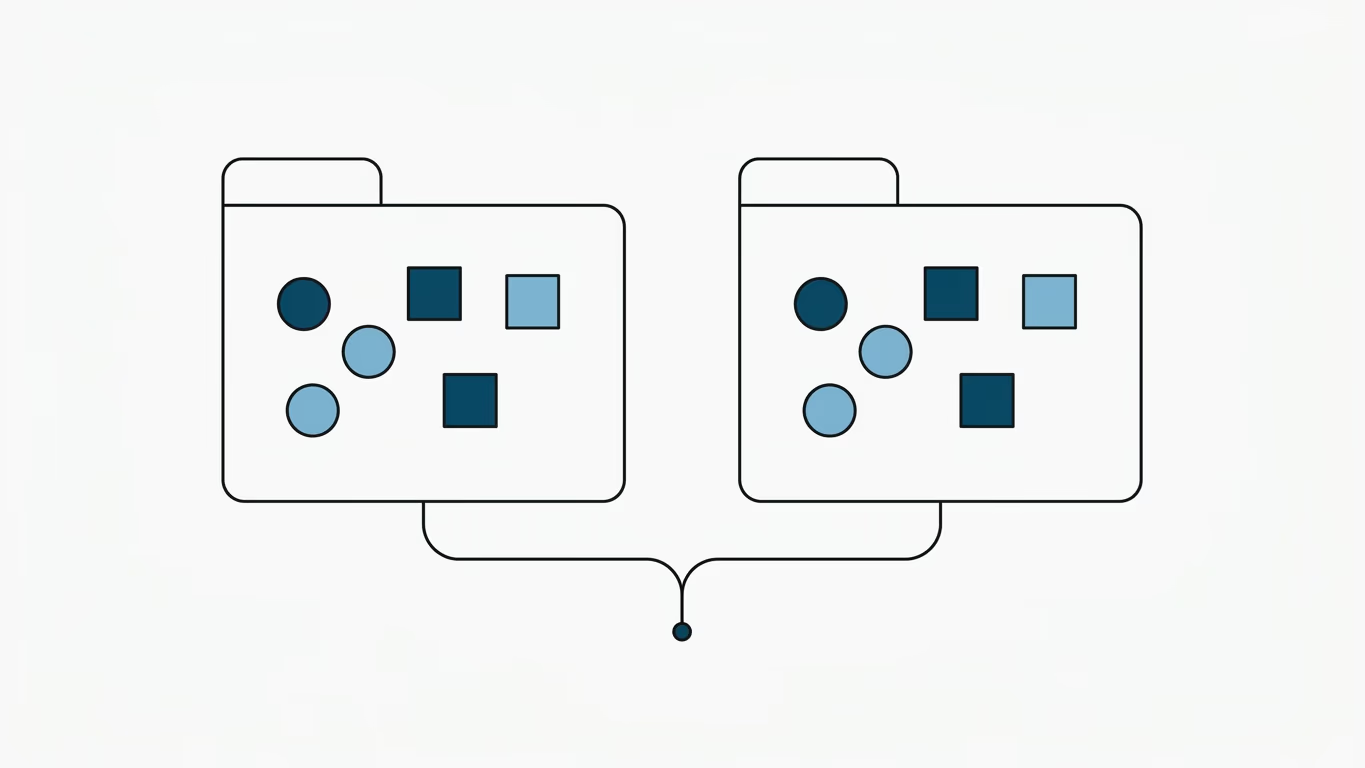
Namespaces in PHP are a vital mechanism for organizing and structuring your codebase. They allow you to group related classes, interfaces, functions, and constants together, acting like virtual directories for your code. Introduced in PHP 5.3, namespaces have become a core pillar of modern PHP development.
💡 Summary (TL;DR):
- Core Purpose: To avoid naming collisions between identical class or function names, especially when integrating third-party packages.
- How it Works: Uses the
namespacekeyword to define virtual paths, and theusestatement to import classes or apply aliases.- PSR-4 Standard: Namespaces are the engine behind modern autoloading. The folder structure maps directly to the namespace path.
- Motto: Virtual directories for code: no collisions, clean autoloading.
1. Creating a Namespace
To declare a namespace, you must place the namespace keyword at the very top of your PHP file, right after the opening <?php tag.
<?php
namespace MyApp\Controllers;

class UsersController {
    public function index() {
        return "List of users";
    }
}
In this example, we created the namespace MyApp\Controllers. Within this space, we defined the class UsersController. Its fully-qualified name (FQN) is now \MyApp\Controllers\UsersController.
2. Using Classes from a Namespace
To use a namespaced class in another file, you have three options.
Option A: Fully-Qualified Name (FQN)
Call the class by referencing its absolute path, starting with a backslash:
<?php
$controller = new \MyApp\Controllers\UsersController();
Option B: The use Statement (Recommended)
Import the class using the use keyword. This lets you reference the class directly without the full path prefix:
<?php
use MyApp\Controllers\UsersController;

$controller = new UsersController();
Option C: Aliasing with as
If you have two classes with the same name (e.g., two UsersController classes from different domains), you can alias one of them to prevent local conflicts:
<?php
use MyApp\Controllers\UsersController;
use LegacyApp\Controllers\UsersController as LegacyController;

$user = new UsersController();
$legacyUser = new LegacyController();
3. Subnamespaces
You can build deeper structures by declaring subnamespaces, separating them with a backslash \:
<?php
namespace MyApp\Controllers\Admin;

class DashboardController {
    // Admin dashboard logic
}
4. The Global Namespace
When code is written inside a namespace, PHP assumes any referenced class belongs to the current namespace. If you want to use a core PHP class (like DateTime or Exception), you must prefix it with a backslash \ to tell PHP to look in the Global Namespace.
<?php
namespace MyApp\Services;

class OrderService {
    public function process() {
        // Correct: references the global DateTime class
        $date = new \DateTime();

        // Correct: throws the global Exception class
        throw new \Exception("Processing failed.");
    }
}
If you omit the leading backslash (new DateTime()), PHP will look for \MyApp\Services\DateTime and throw a "Class not found" exception.
5. Namespaces and Composer Autoloading (PSR-4)
In modern PHP development, namespaces are rarely loaded manually via require statements. Instead, they follow the PSR-4 autoloading standard managed by Composer.
You define how your namespaces map to physical folders in your project's composer.json file:
{
    "autoload": {
        "psr-4": {
            "MyApp\\": "src/"
        }
    }
}
Under this configuration:
MyApp\Controllers\UsersControllermaps physically to the filesrc/Controllers/UsersController.php.- Autoloading is handled automatically behind the scenes as long as your class names matches their file names exactly.
Namespace Terminology Matrix
| Name Type | Example | Resolution Logic |
|---|---|---|
| Unqualified Name | UsersController | Resolves relative to the current namespace (or imported use alias). |
| Qualified Name | Controllers\UsersController | Appends to the current namespace (e.g., MyApp\Controllers\UsersController). |
| Fully-Qualified Name (FQN) | \MyApp\Controllers\UsersController | Resolves absolutely from the root global space. |
Frequently Asked Questions
Why do I see a backslash before functions like \strlen()?
PHP has a fallback mechanism for functions and constants. If you call strlen() inside a namespace, PHP first looks for a local definition (\MyApp\strlen()), and if missing, falls back to the global function. Adding a leading backslash (\strlen()) bypasses this fallback check, offering a tiny micro-optimization and making it explicit that you are invoking the global core function.
Can I declare multiple namespaces in a single file?
Yes, you can separate them using bracket syntax. However, this is considered a bad practice. Standard coding guidelines (such as PSR-12) mandate that every PHP class or namespace should reside in its own dedicated file to keep the codebase clean and compatible with PSR-4 autoloading.
How can I access the current namespace name programmatically?
You can use the magic constant __NAMESPACE__ which returns a string containing the current namespace name:
<?php
namespace MyApp;

echo __NAMESPACE__; // Outputs: MyApp
Changelog
- 2026-06-20: Modernized article structure. Removed visual ChatGPT residues ("Copy code"). Fixed missing global namespace escape backslashes. Added Composer PSR-4 mapping workflow, terminology table, and improved FAQ context.
- 2023-01-13: Article published.