Tailwind CSS! To use? Or not to use? That is the question.
💡 TL;DR:
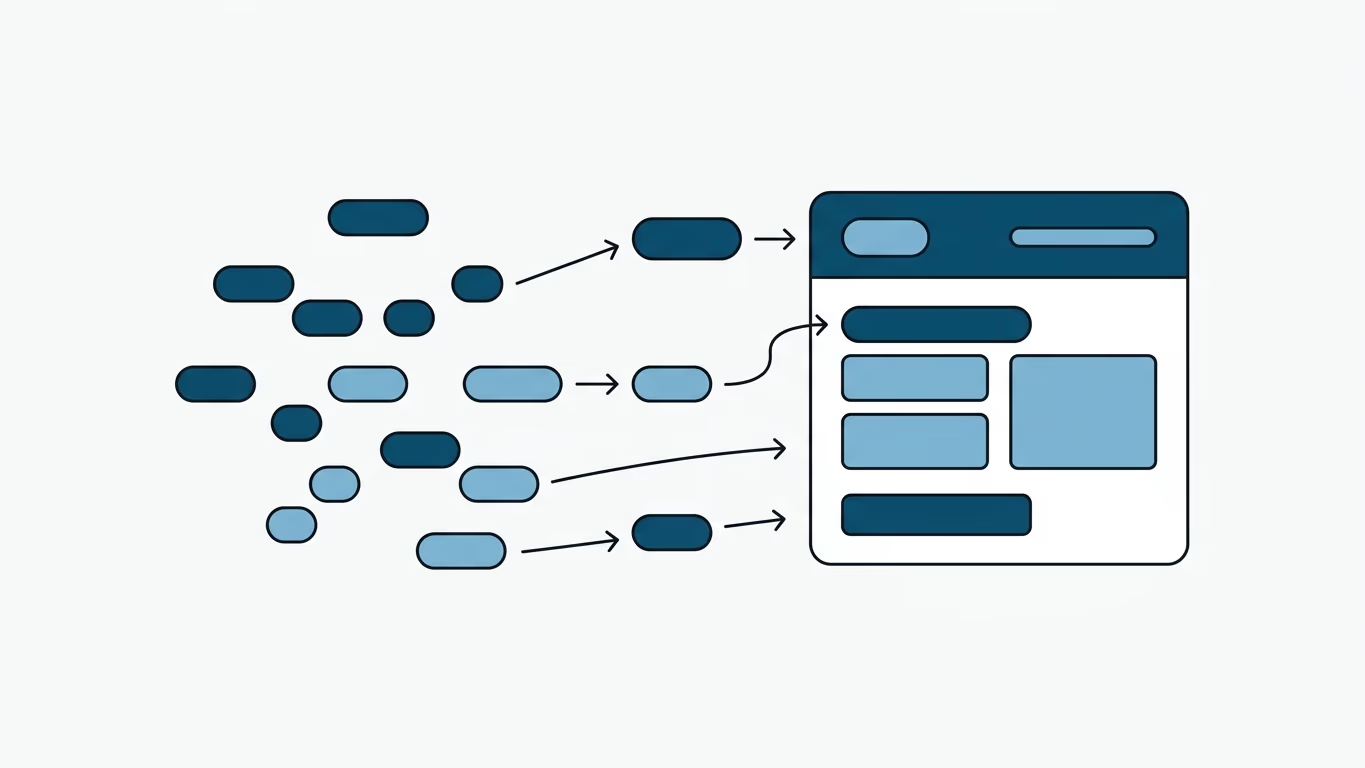
- The Problem: Tailwind's static compilation (JIT) purges unused classes. If a content editor inputs dynamic Tailwind classes (e.g.,
p-3) in a headless CMS, they won't render because they weren't in the static codebase at build time.- The Verdict: Tailwind is perfect for developer-centric teams. For content-heavy blogs with non-technical editors, traditional frameworks (Bootstrap, Bulma) or using Tailwind's
@tailwindcss/typographyplugin are better choices.
Every web developer has had to face the question of which CSS framework to choose. Personally, I love the different perspective that Tailwind CSS brings to CSS frameworks, and its JIT mode that pushes the PurgeCSS concept even further. However, I also know that we must never fall in love with a programming language or framework, as they all serve best in different situations.
Tailwind CSS is an excellent choice for a project that is actively developed by a team and/or if it doesn't require daily and quick releases. It produces a clean and small file without unnecessary CSS statements. But what if it is a blog, or requires a dynamic content creation process? What if you need an additional style that you don't require today? What if it will be used by a team without a developer? Do you think that Tailwind CSS is a suitable solution for such requirements?
Tailwind CSS vs. Traditional CSS Frameworks for Blogs/CMS
| Feature | Tailwind CSS (Utility-First) | Bootstrap / Bulma (Component-Based) |
|---|---|---|
| Dynamic HTML Support | Poor (requires safelisting or @tailwindcss/typography). | Excellent (classes are pre-compiled and always available). |
| Customizability | Excellent (fully customizable design system). | Harder (requires overriding default component styles). |
| Production CSS Size | Very small (only compiles classes that are actively used). | Medium/Large (contains all components regardless of use). |
| Developer Dependency | High (non-devs cannot safely add styles in production). | Low (editors can copy/paste HTML snippets from docs). |
The JIT Purge Challenge
Let's say you want to add some padding to an element by adding a p-3 class. Oops! The class p-3 was not added to the CSS file by JIT at build time. When you need to design a blog page really quickly with some additional classes and see that they are not available in the stylesheet, you may notice that Tailwind CSS is not the perfect choice for every situation.
I encountered this problem with my previous Tailwind CSS based theme a lot. While developing the current one, I had to add many potential classes for the future. This not only increased the size of the stylesheet but still couldn't guarantee that I would have all the required classes in the future. I have the chance to add any missing classes in the future, but a non-developer user cannot add required styles even if they know Tailwind CSS classes, as they might not be available in my static build.
How to Solve the Dynamic Content Purge Issue in Tailwind CSS
If you are using Tailwind CSS for a blog or dynamic CMS, here are the three most common ways to solve the problem of missing dynamic classes:
1. Use the Typography Plugin (@tailwindcss/typography)
Instead of injecting utility classes into HTML returned from a database, wrap the content in a div with the prose class. This styles all raw <h1>, <p>, <a>, and <ul> tags automatically:
<div class="prose lg:prose-xl">
  <!-- Dynamic HTML content from CMS goes here -->
</div>
2. Safelist Important Classes
If you know there are specific classes that editors will use frequently (e.g., specific alert box colors or spacing sizes), you can safelist them in your tailwind.config.js to prevent them from being purged:
module.exports = {
  safelist: [
    'bg-blue-100',
    'text-blue-800',
    'p-4',
    'm-2',
  ],
  // ...
}
3. Implement a Hybrid Setup
Use Tailwind CSS for the main layout, static UI components, and theme. Then, use standard vanilla CSS classes or a component-based stylesheet for the rich text editor fields.
Conclusion
Briefly: If you have a single developer or a team of developers focused on the frontend, Tailwind CSS is a perfect choice. If the site needs regular updates without a dedicated developer, using another CSS framework like Bootstrap or Bulma might be a wiser choice.
What is your opinion? Please share your thoughts in the comments section below.