PHP GraphQL Development: Advanced Techniques for Optimizing Your APIs
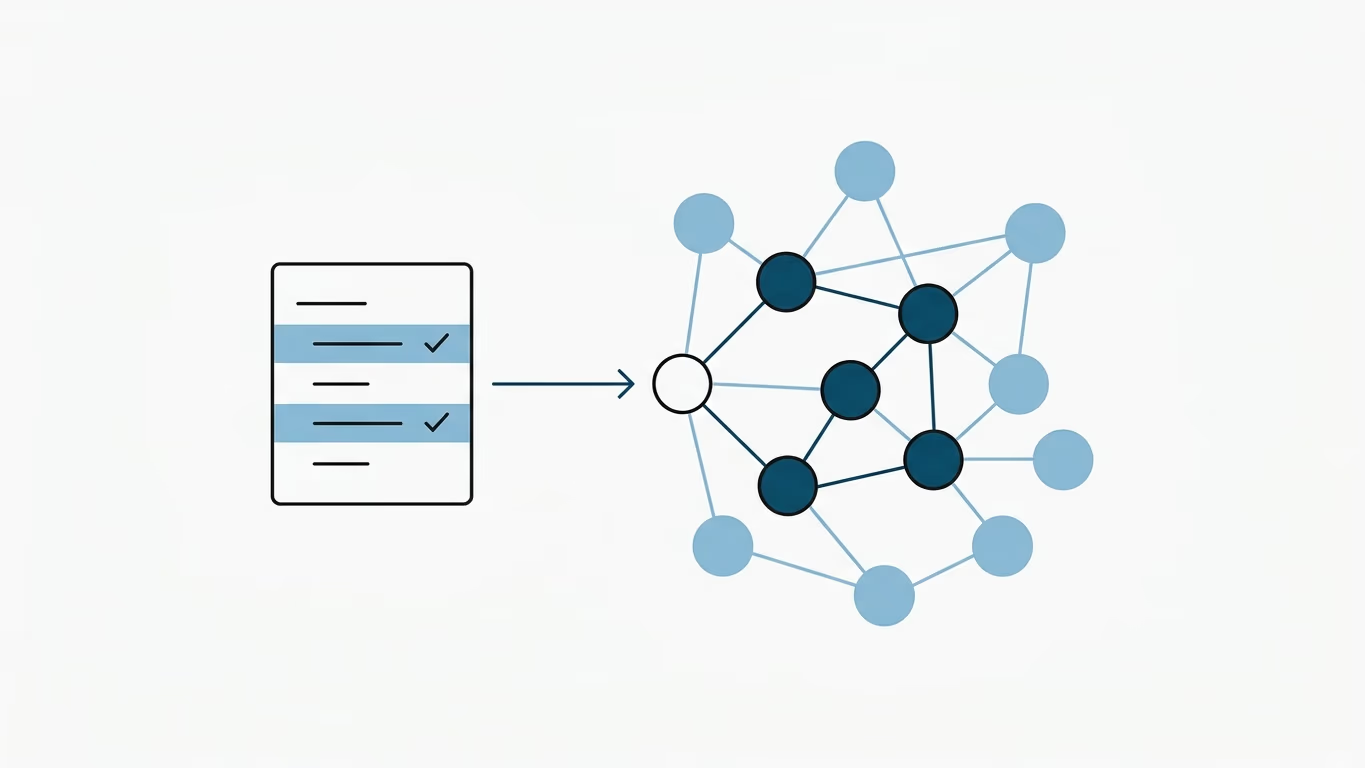
💡 Quick Summary (TL;DR):
- Core Concept: GraphQL offers clients the power to ask for exactly what they need, but in PHP, unoptimized resolvers can easily trigger the notorious N+1 database query problem.
- Key Optimization Techniques:
- Batching & Deferred Resolvers: Solve N+1 issues using webonyx/graphql-php's built-in
GraphQL\Deferredclass.- Query Complexity Analysis: Set limit rules using query depth and complexity limiters to prevent DDoS-like deeply nested queries.
- Caching: Cache the compiled schema and use Redis/Memcached for caching resolver results.
GraphQL is a query language for APIs that allows clients to request only the data they need, making it an efficient and flexible alternative to traditional RESTful APIs. In this article, we will explore how to implement and optimize GraphQL APIs in PHP, using code examples to illustrate key concepts.
To get started, you will need to install a GraphQL server library for PHP, such as webonyx/graphql-php. This library provides a set of tools for building GraphQL servers in PHP, including a schema language for defining the types and fields of your API, and a runtime for executing queries against that schema.
Here is a simple example of a GraphQL server implemented using webonyx/graphql-php:
require_once __DIR__ . '/vendor/autoload.php';

use GraphQL\Type\Definition\ObjectType;
use GraphQL\Type\Definition\Type;
use GraphQL\GraphQL;
use GraphQL\Type\Schema;

$queryType = new ObjectType([
    'name' => 'Query',
    'fields' => [
        'hello' => [
            'type' => Type::string(),
            'resolve' => function () {
                return 'Hello, world!';
            }
        ]
    ]
]);

$schema = new Schema([
    'query' => $queryType
]);

$rawInput = file_get_contents('php://input');
$input = json_decode($rawInput, true);
$query = $input['query'] ?? null;
$variableValues = $input['variables'] ?? null;

try {
    $result = GraphQL::executeQuery($schema, $query, null, null, $variableValues);
    $output = $result->toArray();
} catch (\Exception $e) {
    $output = [
        'error' => [
            'message' => $e->getMessage()
        ]
    ];
}

header('Content-Type: application/json');
echo json_encode($output);
In this example, we define a simple Query type with a single field hello, which returns the string "Hello, world!" when queried. We then create a new Schema object that uses this query type as its root, and pass it to the GraphQL::executeQuery function along with the incoming query and variable values. The result of the query is then returned as a JSON encoded object.
Once you've got your GraphQL API up and running, you can optimize its performance by using caching and batching techniques. One technique is to use a caching layer like Redis or Memcached to store the results of frequently executed queries. This can significantly improve the performance of your API, especially under heavy load. Another technique is to use batching to process multiple queries in a single request, reducing the overhead of multiple round-trips to the server.
Solving the N+1 Query Problem with Deferred Resolvers
One of the most common performance bottlenecks in GraphQL APIs is the N+1 query problem. For example, if you fetch a list of 100 posts and resolve the author for each post individually, you might end up executing 1 database query to fetch the posts, and then 100 separate queries to fetch each author.
The webonyx/graphql-php library provides a built-in mechanism called Deferred Resolvers (using GraphQL\Deferred) to batch these database queries. Instead of fetching the author immediately, the resolver returns a promise-like deferred object. Once all fields are visited, the library runs the deferred batch execution.
Here is how you implement it:
use GraphQL\Type\Definition\ObjectType;
use GraphQL\Type\Definition\Type;
use GraphQL\Deferred;

$postType = new ObjectType([
    'name' => 'Post',
    'fields' => [
        'title' => Type::string(),
        'author' => [
            'type' => $userType,
            'resolve' => function ($post) {
                // Buffer the author ID for batch loading
                UserBuffer::add($post['author_id']);

                // Defer the resolution until all author IDs are buffered
                return new Deferred(function () use ($post) {
                    UserBuffer::loadBuffered(); // Fetches all buffered IDs in ONE query
                    return UserBuffer::get($post['author_id']);
                });
            }
        ]
    ]
]);
Limiting Query Complexity and Depth
Another important aspect of optimizing a GraphQL API is limiting the number of nested fields or limiting the data volume to the needed minimum. Because in GraphQL clients can ask for any data available in the API, it can result in large queries and high response data volume that can overload the server.
You can use query depth and query complexity limiters to protect your server:
use GraphQL\Validator\Rules\QueryDepth;
use GraphQL\Validator\Rules\QueryComplexity;
use GraphQL\GraphQL;

// Restrict maximum query depth to 5 levels
DocumentValidator::addRule(new QueryDepth(5));

// Restrict maximum query complexity score to 100
DocumentValidator::addRule(new QueryComplexity(100));
Frequently Asked Questions (FAQ)
What is GraphQL?
GraphQL is a query language for APIs that allows clients to request only the data they need, making it an efficient and flexible alternative to traditional RESTful APIs.
What is the advantage of using GraphQL over REST?
One of the main advantages of GraphQL over REST is its ability to request only the data you need. This reduces the amount of data that needs to be transferred over the network and allows for more efficient use of resources on both the client and the server. GraphQL also provides a more flexible and powerful way of querying data, allowing for more complex and dynamic queries.
What are some benefits of using webonyx/graphql-php library?
webonyx/graphql-php is a popular and well-documented library for building GraphQL servers in PHP. It provides a set of tools for defining the types and fields of your API, a runtime for executing queries against the schema, and support for handling errors and validation. It also supports advanced features such as subscriptions, cursor-based pagination, and type definition caching.
How can I improve the performance of my GraphQL API?
There are several ways to improve the performance of a GraphQL API, such as using caching and batching techniques, limiting the number of nested fields, and limiting the data volume to the minimum needed. Additionally, you can also tune your database to handle the specific type of queries that GraphQL generates.
Where can I find further resources on GraphQL?
Here are some resources that you may find helpful when working with GraphQL:
- Official GraphQL documentation: https://graphql.org/learn/
- GraphQL PHP community: https://github.com/webonyx/graphql-php
- GraphQL on GitHub: https://github.com/graphql
- GraphQL best practices on Apollo blog: https://www.apollographql.com/blog/best-practices-for-building-a-graphql-server-b7fa94b90891
In conclusion, GraphQL is a powerful and flexible alternative to traditional RESTful APIs. With the help of a library like webonyx/graphql-php, it's easy to implement a GraphQL server in PHP. Optimizing performance can be achieved by using caching and batching, limiting nested fields and limiting data volume. These advanced techniques can help to make your GraphQL API more efficient, reliable and user-friendly.