What Should the REST API URI Structure Be?
💡 TL;DR:
- Rule 1: Use nouns (
/articles,/comments), not verbs (/get,/delete), to name resources. The HTTP method (GET, POST, DELETE, etc.) already expresses the action.- Rule 2: Prefer plural nouns (
/users) over singular ones in your URL hierarchy. Build that hierarchy with the slash/.- Rule 3: Avoid trailing slashes (
/) and file extensions (.json) at the end of your URIs.
This article is part of the RESTful API Design series. If you haven't read the introductory post yet, I'd recommend starting there.
There is no hard-and-fast law for naming your endpoint addresses. There are, however, widely accepted guidelines—and they rest on sound reasoning. If you design your addresses around a consistent standard and a clear logic, documenting your API and onboarding its users becomes far easier. Otherwise, plenty of the developers consuming your API will be cursing your name. ;)
REST API URI: Right and Wrong Examples
| Operation / Case | Wrong / Bad URI Design | Right / Standard URI Design | HTTP Method |
|---|---|---|---|
| Get all articles | /api/getArticles | /api/articles | GET |
| Get a specific article | /api/getArticle/15 | /api/articles/15 | GET |
| Delete an article | /api/deleteArticle/15 | /api/articles/15 | DELETE |
| Get an article's comments | /api/article/15/getComments | /api/articles/15/comments | GET |
| Specify a file format | /api/articles.json | /api/articles (via Accept header) | GET |
The Full Series
- REST API Basics
- What Should the REST API Output Format Be?
- What Should the REST API URI Structure Be?
- What is HATEOAS in REST API?
- How to Perform REST API Authentication?
- How to Perform REST API Error Handling?
- How to Secure a REST API?
- How to Document and Test a REST API?
- Sample REST API Project
1. Use Nouns to Define Resources
In our endpoint addresses we should use nouns, not verbs (actions). That noun should be whatever object we're trying to read data from or operate on.
For example, for an endpoint that lists the articles on a blog, prefer https://example.com/api/articles over https://example.com/api/get-articles.
This way the endpoint in the URL represents an object, while your HTTP method represents the action: GET -> Retrieve, DELETE -> Delete, PATCH -> Update, and so on.
Name your addresses like this and, to delete an article, you no longer send a GET request to /api/deletearticle/15—you send a DELETE request to /api/articles/15 and achieve the same thing.
2. Prefer Plural Nouns, Not Singular
Generally speaking, "article" is a single resource, while "articles" is a collection of resources. Using collection names (plural) in your endpoint addresses is the better choice.
That way you can query all articles by sending a GET request to example.com/articles, or query a specific article with a GET request to example.com/articles/{articleId}. The JSON:API specification also recommends using plural names.
3. Resource Sub-collections
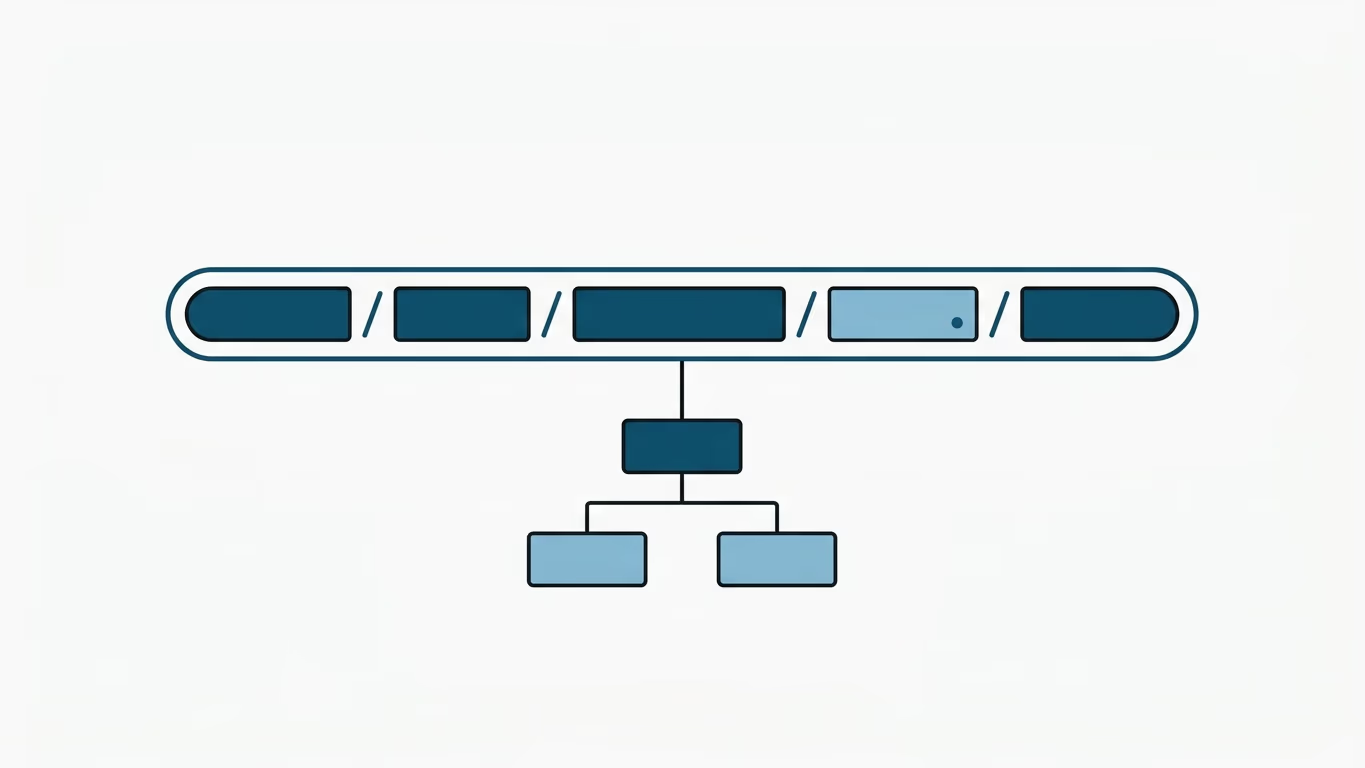
To query related sub-data belonging to a specific resource, you build hierarchical URI structures. For example, to query the comments on a specific article, we can send a request to example.com/articles/{articleId}/comments.
4. Stick to Standards and Conventions
You may not want to follow the generally accepted conventions—but whatever your rule is, you should apply the same standard everywhere across your API. Here are some of the widely accepted conventions, several of which are also defined by JSON:API:
- Use the slash (/) character to express hierarchical relationships:
The slash character (/) is used to express hierarchical links in addresses. If you're going to express hierarchy with underscores instead of slashes (e.g.,article_15_comments), then apply that rule everywhere in the API.
Standard examples using slashes:https://example.com/blog-admin/articleshttps://example.com/blog-admin/articles/{articleId}https://example.com/blog-admin/articles/{articleId}/commentshttps://example.com/blog-admin/articles/{articleId}/comments/{commentId}
- Don't use unnecessary trailing slashes in URIs:
The/character you add to the end of an address carries no meaning and can cause incompatibilities between systems.- Bad:
https://example.com/blog-admin/articles/ - Good:
https://example.com/blog-admin/articles
- Bad:
- Improving readability (word separation):
JSON:API recommends that if resource names consist of more than one word, we separate them using camelCase:https://example.com/users/15/deviceDetails
That said, in URL standards the hyphen (-) character (kebab-case) is more widely accepted and is SEO-friendly:https://example.com/users/15/device-details - Use lowercase letters:
RFC 3986 defines URIs as case-sensitive for the paths beyond the domain name. To avoid confusion, always adopt the lowercase standard. - Don't use file extensions:
File extensions look bad and serve no function whatsoever. If you want to specify the media type (Content-Type) of the response, do it via theAcceptandContent-Typevalues in the HTTP header—not via a file extension:- Bad:
https://example.com/users/15/deviceDetails.json - Good:
https://example.com/users/15/deviceDetails
- Bad:
- Unicode characters:
In URIs and JSON keys, you should only use these safe ASCII character ranges:a-z(U+0061 to U+007A)A-Z(U+0041 to U+005A)0-9(U+0030 to U+0039)- Hyphen
-and Underscore_
Using URL-unsafe spaces, or Turkish/Unicode characters directly in URIs, can lead to server errors.
For more detail, you can review the JSON:API documentation.
That's all I have to share on endpoint addresses for now. I'll add new practices as they come to mind. If you have questions or anything to add, feel free to share in the comments.
In the next part we'll cover authentication, but before that I'd recommend reading the HATEOAS concept I added to this series later on.
Changelog
- 2022-05-11: Article summary revised.
- 2026-06-21: Fixed Turkish spelling and typos; removed invalid trailing space characters at the ends of URLs. Enriched the article with a TL;DR summary panel and a comparison table showing right vs. wrong URI designs.