How to Set Up a Self-Hosted API Gateway: A Comprehensive Guide
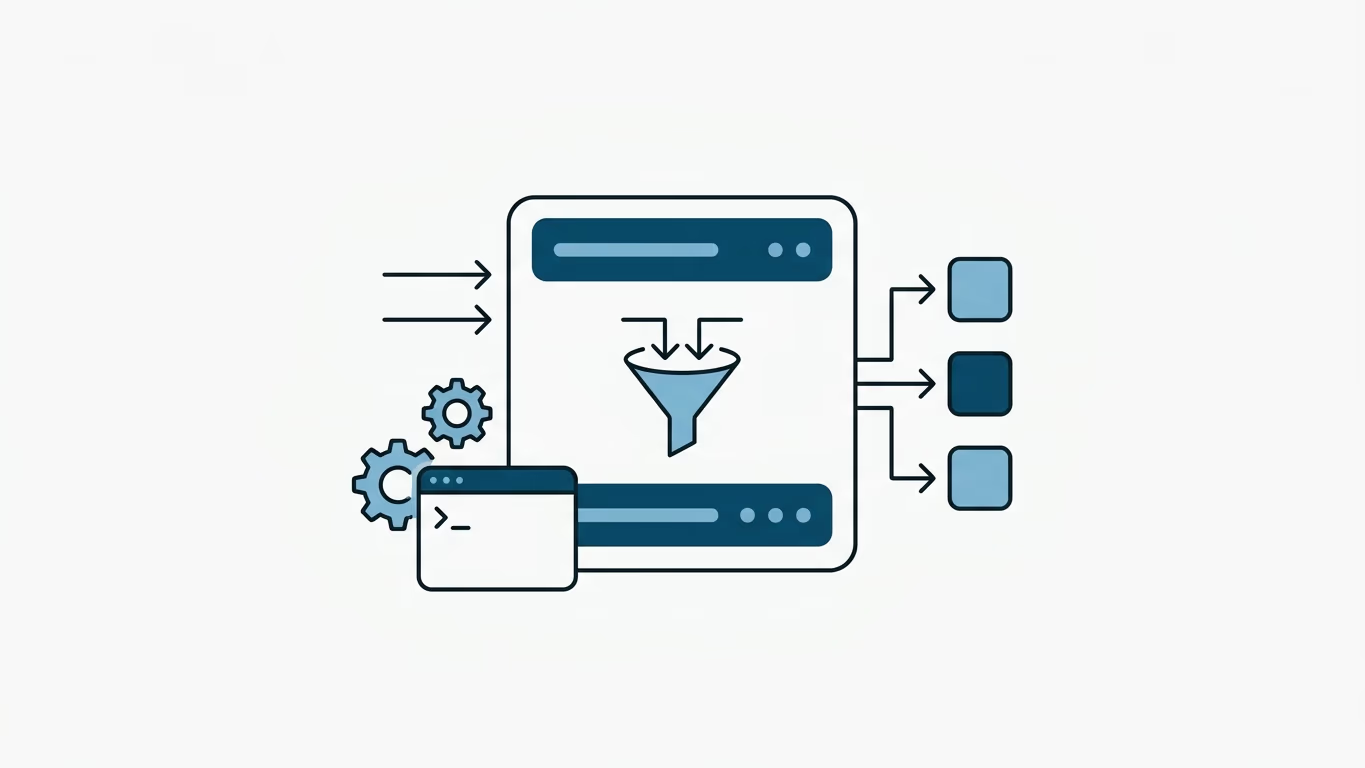
An API Gateway is a crucial architectural component of any microservices-based system, serving as the single entry point for all external consumers. While cloud-managed solutions (like AWS API Gateway or Apigee) offer ease of use, a self-hosted API Gateway gives you complete control over your infrastructure, data sovereignty, custom routing logic, and drastically reduces network latency and API costs at scale.
💡 Summary (TL;DR):
- Objective: Establish a secure, high-performance gateway on your own infrastructure to unify routing, security, and monitoring.
- Key Decision: Choosing between a lightweight Reverse Proxy (like Traefik) for routing versus a dedicated API Gateway (like Kong or KrakenD) for application-level policies.
- Architecture Choice: Opting for GitOps-friendly DB-less (declarative) configurations over DB-backed instances to simplify scaling.
- Motto: Centralize ingress routing, access policies, and observability on your own terms.
Reverse Proxy (Traefik/Nginx) vs. Dedicated API Gateway (Kong/KrakenD)
It is common to confuse a standard Reverse Proxy with an API Gateway. Understanding their distinct scopes is vital for designing your infrastructure:
- Reverse Proxy (e.g., Traefik, Nginx): Acts at Layer 4/7 primarily for ingress routing, SSL termination, and dynamic service discovery (e.g., Traefik automatically routing traffic based on Docker labels). While they can perform basic auth and rate limiting, their focus is network traffic management.
- Dedicated API Gateway (e.g., Kong, KrakenD, APISIX): Works at the application layer. It handles complex consumer-based rate limiting, JWT validation/decryption at the edge, request/response payload transformation, API key monetization, and metric aggregation for analytics.
If your services only need basic routing and SSL, a reverse proxy like Traefik is perfect. If you need fine-grained control over API consumers, authorization, and data transformation, you should deploy a dedicated API Gateway behind your reverse proxy.
The Pragmatic Approach: Traefik + A Custom Minimal Gateway
For many startups, small-to-medium platforms, and bootstrapped SaaS systems, adopting a heavy enterprise gateway like Kong introduces unnecessary complexity, database dependency, and a steep learning curve.
Instead, a highly practical and lightweight alternative is to combine Traefik with a custom minimal gateway service:
- Traefik Proxy (The Edge): Placed at the entry point of your server, Traefik handles Layer 7 routing, automatic Let's Encrypt SSL certificates, load balancing, and dynamic Docker label discovery. It routes clean traffic to your internal custom gateway.
- Custom Gateway (The Logic): A small, custom-written service developed in a high-performance runtime like Go (utilizing the built-in
httputil.NewSingleHostReverseProxy) or Node.js/Fastify. This service handles only your application's custom rules (e.g., checking user authentication tokens, performing simple rate limiting via Redis, or translating headers) before forwarding the request to downstream microservices.
This approach keeps your infrastructure incredibly lean, stateless, and maintains extremely low latencies without vendor lock-in.
Steps to Deploying a Self-Hosted API Gateway
Setting up a self-hosted gateway involves six key phases, from initial resource planning to continuous observability.
1. Identify and Map Your Ingress Points
Before configuring any gateway, map out which services need external exposure. Document:
- Path mappings (e.g., routing
/users/*to the User Service, and/orders/*to the Order Service). - Required protocols (e.g., public REST over HTTP/JSON translating to internal gRPC or WebSockets).
- Rate limits and authentication requirements specific to each path.
2. Select the Right Self-Hosted Gateway Software
Select a tool that aligns with your tech stack and performance needs:
- Kong: The market leader. Built on top of Nginx and Lua, it is highly extensible via a massive plugin ecosystem.
- KrakenD: A Go-based, ultra-lightweight, stateless gateway. It is designed to be DB-less from day one and excels at request aggregation (merging responses from multiple backend microservices).
- Apache APISIX: A highly dynamic Lua/Nginx gateway that supports hot-reloading without dropping connections.
- Tyk: Written in Go, it is known for having a built-in developer portal and excellent API management dashboards out of the box.
3. Set Up the Infrastructure
For high availability (HA) and fault tolerance:
- Redundancy: Never run a single gateway instance. Run multiple stateless gateway nodes behind a Layer 4 Load Balancer (like HAProxy, keepalived, or AWS ALB).
- Containerization: Run your gateways in Docker containers or Kubernetes pods. This ensures consistency across local dev, staging, and production environments.
- Resource Allocation: Ensure adequate CPU and RAM. While gateways are generally memory-efficient, CPU consumption scales directly with the number of security checks (like SSL termination and regex routing rules) per request.
4. Choose a Configuration Strategy: DB-Backed vs. DB-less
This is one of the most critical decisions for a self-hosted gateway:
- DB-Backed Mode: Configurations are saved in a database (like PostgreSQL). This is useful if you want to make live configuration changes dynamically via an Admin API.
- DB-less (Declarative) Mode: Configurations are defined in a single static YAML or JSON file (e.g.,
kong.ymlorkrakend.json). This approach is highly recommended for modern GitOps workflows, as your gateway configuration can be versioned in Git and easily scaled horizontally without database connection bottlenecks.
5. Enforce Access Control and Security
Secure the gateway to protect your internal network:
- SSL/TLS Termination: Handle HTTPS certificates at the load balancer or gateway level so backend microservices can communicate over standard HTTP internally.
- Authentication: Verify JWT tokens, OAuth2, or API keys directly at the gateway. Block unauthorized requests immediately before they reach internal services.
- IP Whitelisting & CORS: Establish clear CORS policies and restrict admin endpoints to internal VPN or VPC IPs.
6. Establish Observability (Monitoring and Tracing)
Since the gateway handles 100% of incoming traffic, it is the perfect place to gather metrics:
- Metrics: Export request latencies, HTTP error rates, and throughput to Prometheus.
- Logging: Forward access logs to a central system like Graylog, Elasticsearch, or Loki.
- Distributed Tracing: Inject correlation IDs to trace requests across microservices using OpenTelemetry or Jaeger.
Frequently Asked Questions
Can I use Traefik as an API Gateway?
Yes, to some extent. With Traefik's middlewares (like rate limiting, basic auth, and forward auth), it can handle basic API Gateway duties. However, if you need advanced features like payload manipulation, API key metrics, or request/response headers rewriting per user group, a dedicated gateway like Kong or KrakenD is recommended.
How do I prevent the API Gateway from becoming a Single Point of Failure (SPOF)?
Ensure you run at least two gateway nodes in an active-active cluster. Use a highly available load balancer in front of them to distribute incoming traffic. If one gateway node crashes, the traffic is seamlessly routed to the healthy node.
What is the performance impact of adding an API Gateway?
Adding a gateway introduces a minor network hop, which typically adds 1 to 5 milliseconds of latency. However, this is usually offset by the performance gains of offloading SSL termination, caching, and token validation from your backend microservices.
Changelog
- 2026-06-20: Modernized article structure. Rectified broken placeholder paragraph. Added deep architectural comparison between Reverse Proxies (Traefik/Nginx) and dedicated API Gateways, DB-Backed vs. DB-less configuration strategies, and updated modern open-source options list. Added the pragmatic 'Traefik + Custom Minimal Gateway' architecture alternative.
- 2023-01-12: Article published.